A smartwatch under $100 can cover everyday essentials: phone notifications, activity tracking, timers, and basic workout recording. The challenge is that “smartwatch” describes products with very different strengths. Some are fitness bands with a larger screen; others look more like full smartwatches but offer fewer apps, less reliable health measurements, or limited compatibility.
There is no single best model for everyone, and prices change by retailer, region, and sale. A sensible approach is to compare the features you will actually use, check the current price from a reputable seller, and confirm that the watch works with your phone. This guide explains what to expect, how to compare common budget options, and where the compromises matter.
What “best smartwatch under $100” means
For this guide, a smartwatch under $100 is a wrist-worn device that connects to a phone and provides some combination of notifications, timekeeping, activity or exercise tracking, and health-related sensors. The price target refers to the amount you pay before tax, not necessarily the device’s original list price. Some models qualify only when discounted, and availability varies. Check the final price and return terms before buying.
At this budget, “smartwatch” may mean a fitness-focused wearable rather than a watch that runs a broad app ecosystem. A low-cost device can show alerts and track walks, but it may not support third-party apps, contactless payments, cellular service, or accurate navigation. Read the feature list for the exact model and phone operating system rather than relying on the product category alone.
Shortlist: options to compare
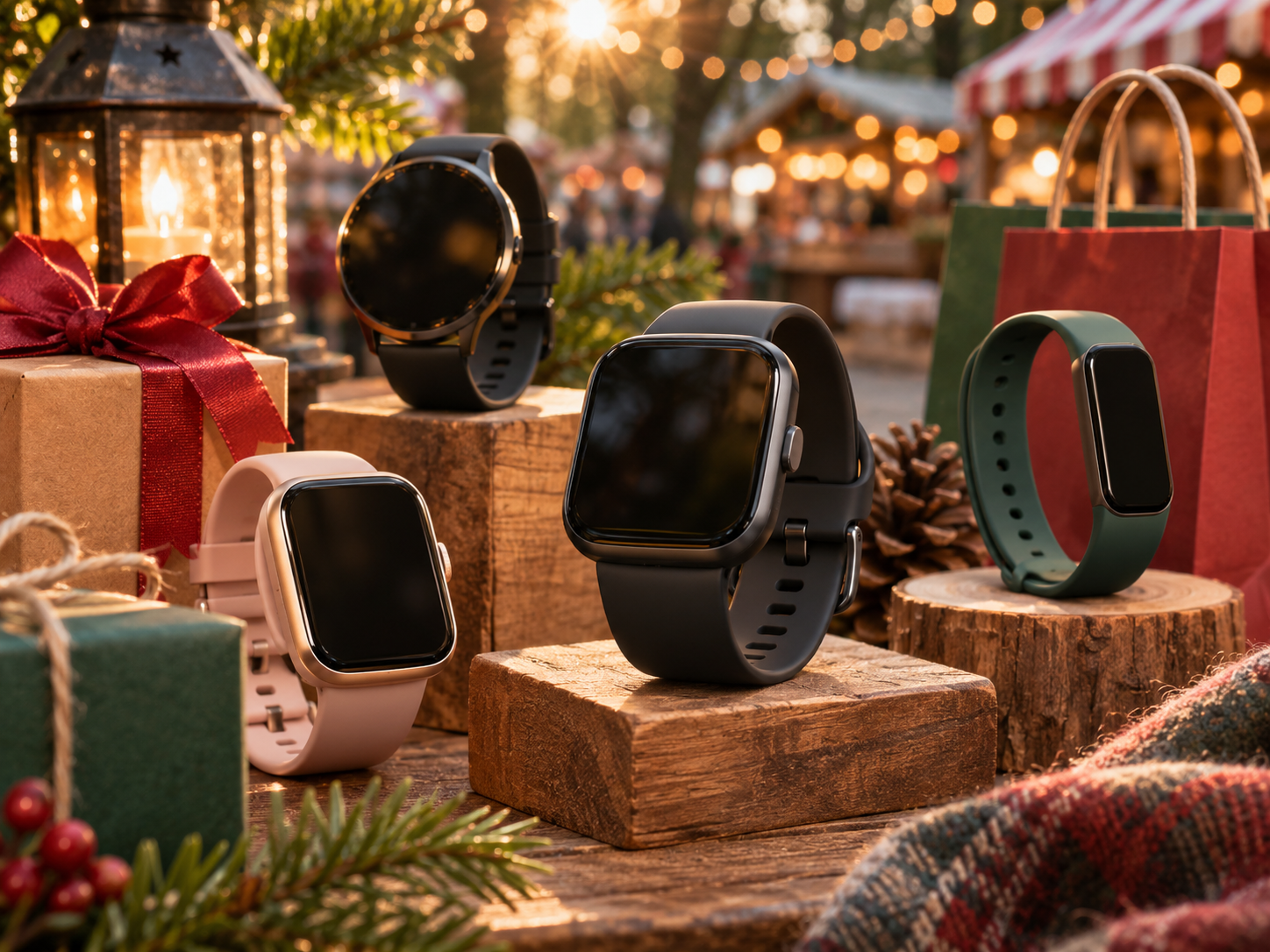
These are examples worth researching, not a guarantee that each is currently under $100. Retail prices and model availability change. Compare the exact version being sold and verify features on the manufacturer’s product page.
Fitbit Inspire 3: a compact fitness-first choice
The Fitbit Inspire 3 is a slim fitness tracker with a color display, activity and sleep tracking, and phone notifications. Its narrower design may suit people who prefer a lighter band to a large watch face. It is better understood as a fitness tracker than as a general-purpose smartwatch: do not assume it has the same app selection or controls as a full smartwatch. Check Fitbit’s current feature and subscription details, since access to some app insights can depend on the service plan and region.
Amazfit Bip 5: a larger screen and broad everyday features
The Amazfit Bip 5 is a budget-oriented watch-style device with a larger display and features such as Bluetooth calling, GPS-related functions, and activity tracking listed by the manufacturer. Confirm the exact GPS implementation, phone requirements, and supported functions for the version sold where you live. A large screen can make notifications easier to read, but it does not automatically mean better software or more accurate health data. Check independent reviews for observations about responsiveness, comfort, and battery performance.
Garmin vívosmart 5: consider it when fitness tracking is the priority
The Garmin vívosmart 5 is a fitness band with health and activity features, not a traditional full-screen smartwatch. It may appear near the $100 threshold during promotions, but its actual price can be higher. Garmin’s product information describes features including heart-rate monitoring, sleep tracking, and activity profiles. Verify which functions are supported in your region and whether the current price fits your limit. Garmin is a candidate for shoppers who value a fitness-focused companion, not necessarily for those seeking a colorful, app-rich watch.
Other Amazfit and entry-level fitness bands
Models from Amazfit and other established wearable brands may offer a good mix of display, exercise modes, and battery life at a discount. Model names and feature sets change frequently, so compare the precise model number rather than treating a brand as a guarantee. Look for a current manual or manufacturer specifications that identify phone compatibility, water rating, location tracking, and charging method.
How to choose the right one
1. Start with phone compatibility
Check whether the watch supports your phone’s operating system and the required companion app. Some features work only with Android or iPhone, and certain functions may be restricted to phones from the same manufacturer. Confirm minimum operating-system versions, app availability in your country, and whether the watch can pair with more than one phone. If you depend on message replies, calls, or calendar alerts, verify those features specifically instead of assuming they work because notifications are advertised.
2. Decide what “smart” means for your routine
Write down the three functions you expect to use most. For example: glanceable notifications, step counts, and timers; or GPS route recording, workout summaries, and sleep estimates. A fitness band may be enough for the first group. If you want downloadable apps, contactless payments, voice-assistant support, or standalone cellular service, a sub-$100 model may not meet your needs. Check whether the feature is built in, requires the phone nearby, or depends on a paid service.
3. Compare tracking claims carefully
Optical heart-rate sensors estimate pulse using light at the wrist. Readings can be affected by fit, movement, skin characteristics, temperature, and the activity itself. Wrist-based sleep estimates and calorie counts are also approximations. GPS support deserves particular attention: a watch may use its own satellite receiver, or it may rely on the connected phone. Those are different capabilities. Look in the specifications or manual for the wording, and check independent testing if route accuracy is important.
4. Check comfort, display, and charging
Think about screen size, weight, strap material, and how the case sits on your wrist. A device that feels bulky or irritates your skin is unlikely to be useful, even if its feature list is long. Review the charging connector and whether replacement straps are easy to find. Battery claims are generally based on particular settings and usage; always-on displays, frequent GPS workouts, calls, and continuous measurements can shorten time between charges.
5. Verify water resistance and support
Water resistance is not the same as being indestructible or suitable for every water activity. Read the manufacturer’s rating and usage guidance before wearing a watch for swimming, showering, or water sports. Salt water, hot water, soaps, and impacts can present different risks. Also check the warranty period, return window, software-support information, and the seller’s reputation. A very low price from an unfamiliar marketplace seller may come with uncertain condition, authenticity, or after-sales support.
Practical steps before you buy
- Set the real budget. Include tax, shipping, and any subscription you would actually need. A discounted device is not a saving if an essential feature requires a recurring fee you do not want.
- Choose your must-haves. Separate essential functions from nice-to-haves. For example, decide whether built-in GPS, a small case, or call handling is required.
- Check the official specifications. Use the manufacturer’s product page and user manual to confirm compatibility, sensors, water guidance, and charging details.
- Compare independent reviews. Look for reviews that discuss real-world usability and limitations, not only feature lists. Check the review date because software and product availability can change.
- Inspect the offer. Confirm that the listing is for the intended model, is new or clearly labeled otherwise, includes the expected charger, and comes with a usable return policy.
- Test the basics promptly. After purchase, pair it with your phone, check notification permissions, try a normal workout, and make sure charging works while you are still within the return period.
Pros and cons of budget smartwatches
Potential advantages
- They can provide convenient time, notification, timer, and basic activity features without a premium-device budget.
- Fitness bands can be lighter and less obtrusive than larger watches.
- Discounts can make established brands’ entry-level models accessible, provided the exact model meets your needs.
- For everyday motivation and routine tracking, a basic device may be sufficient.
Common trade-offs
- App selection, payments, voice features, and phone-independent functions may be limited or absent.
- Health and exercise measurements are estimates and may vary with fit, motion, and the activity.
- Battery life depends on settings and usage; manufacturer estimates are not a guarantee for every owner.
- Some functions can require a companion phone, an account, a subscription, or region-specific service support.
- Build quality, update support, and warranty service can vary across models and sellers.
Limitations to keep in mind
Budget wearables should not be treated as medical instruments. A heart-rate, blood-oxygen, sleep, or stress reading is not a diagnosis, and a watch may not detect a health problem. If you have symptoms or a medical concern, use guidance from a qualified health professional rather than relying on a consumer device. Do not change medication or treatment based on a wearable reading.
Nor is a low-cost watch necessarily the best option for every phone owner. If you need reliable navigation, dependable emergency features, extensive third-party apps, or long-term software support, compare higher-priced models and consider whether a phone or dedicated fitness device is more suitable. The cheapest upfront choice can also cost more over time if it needs a paid service, replacement bands, or frequent charging accessories.
Comparison method and sources
This shortlist is based on publicly available manufacturer descriptions and manuals for the Fitbit Inspire 3, Amazfit Bip 5, and Garmin vívosmart 5, with the products treated as examples of different budget-wearable styles rather than ranked laboratory winners. Specifications and service availability can change, so consult the current product pages from Fitbit, Amazfit, and Garmin before purchasing. For independent context, compare recent reviews from established technology publications such as TechRadar and PCMag, checking the tested model and review date. No hands-on testing or price tracking is claimed here, and no single price is presented as current.
Questions and answers
Can a smartwatch under $100 make calls?
Some models advertise Bluetooth calling, which typically routes calls through a nearby paired phone. That is different from cellular service that works without a phone. Check the product’s manual and phone compatibility before buying.
Will a budget smartwatch work with an iPhone?
Many budget wearables support iPhone through a companion app, but available functions differ. Confirm the model’s current iOS requirements and whether the specific notifications or controls you want are supported.
Is built-in GPS standard at this price?
No. Some devices have their own satellite positioning, while others use connected GPS from a phone. The wording can be confusing; verify it in the specifications and manual.
Are smartwatch health readings accurate?
They are estimates that can be useful for general awareness, but they are not a substitute for clinical measurement or medical advice. Fit and activity affect readings.
When is a fitness band a better buy than a smartwatch?
Choose a fitness band if you mainly want activity tracking, basic notifications, and a smaller device. Consider a fuller smartwatch only if its extra apps and controls matter enough to justify its cost and charging needs.
Disclaimer: Prices, features, availability, and service terms can change. Verify them with the manufacturer and seller before purchase. Health-related features are for general informational use and are not medical advice or a substitute for professional care.